1
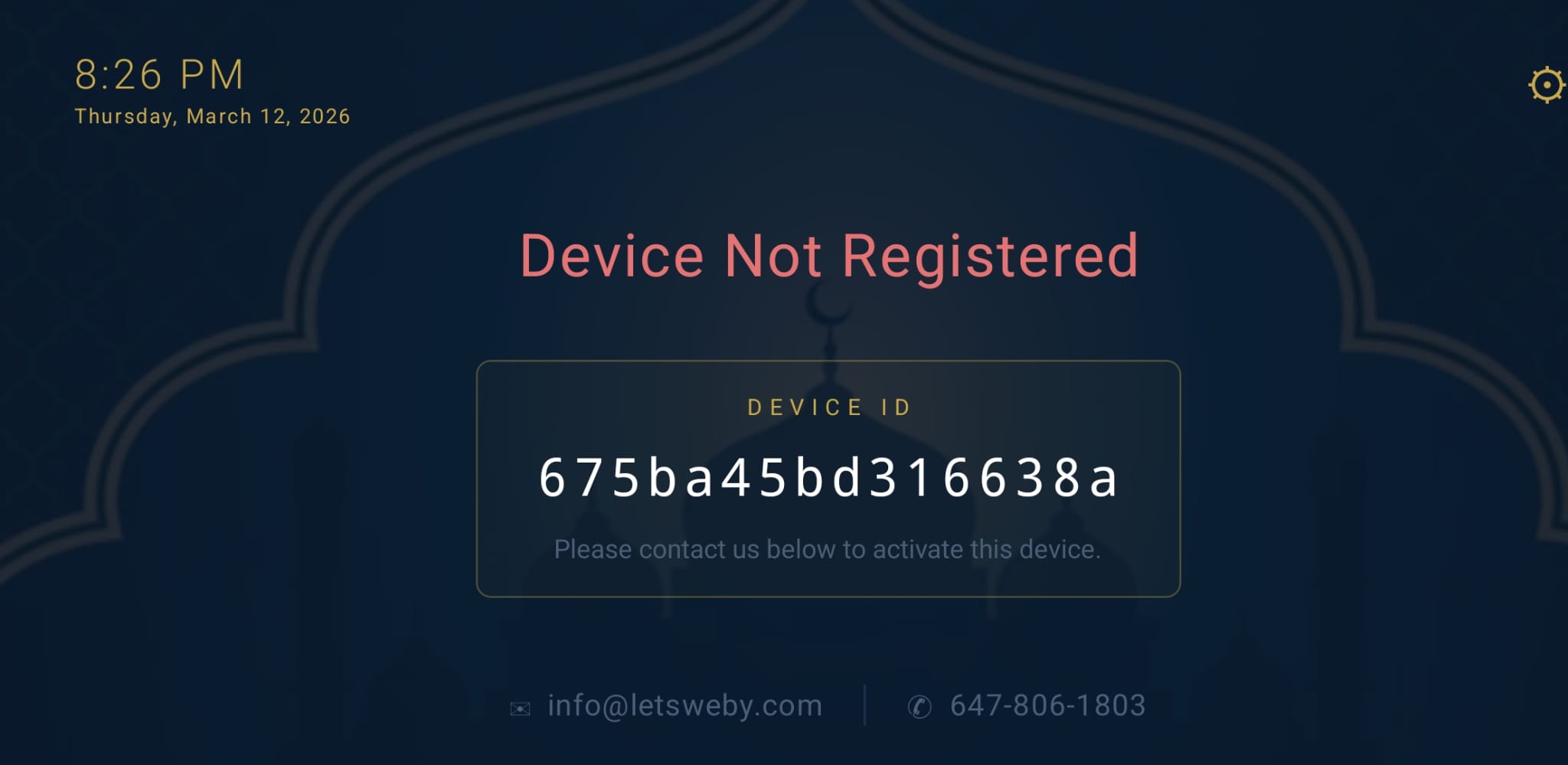
Device Not Registered
Device Not Registered
What you see
A red "Device Not Registered" title with a Device ID displayed in a box on screen.
What it means
This device has never been linked to a masjid account in our system. It is not yet known to our platform.
What to do
Note down the Device ID shown on screen (e.g. 675ba45bd316638a) and contact us at info@letsweby.com. Provide the Device ID so we can register the device against your masjid account.
2
Pending Activation
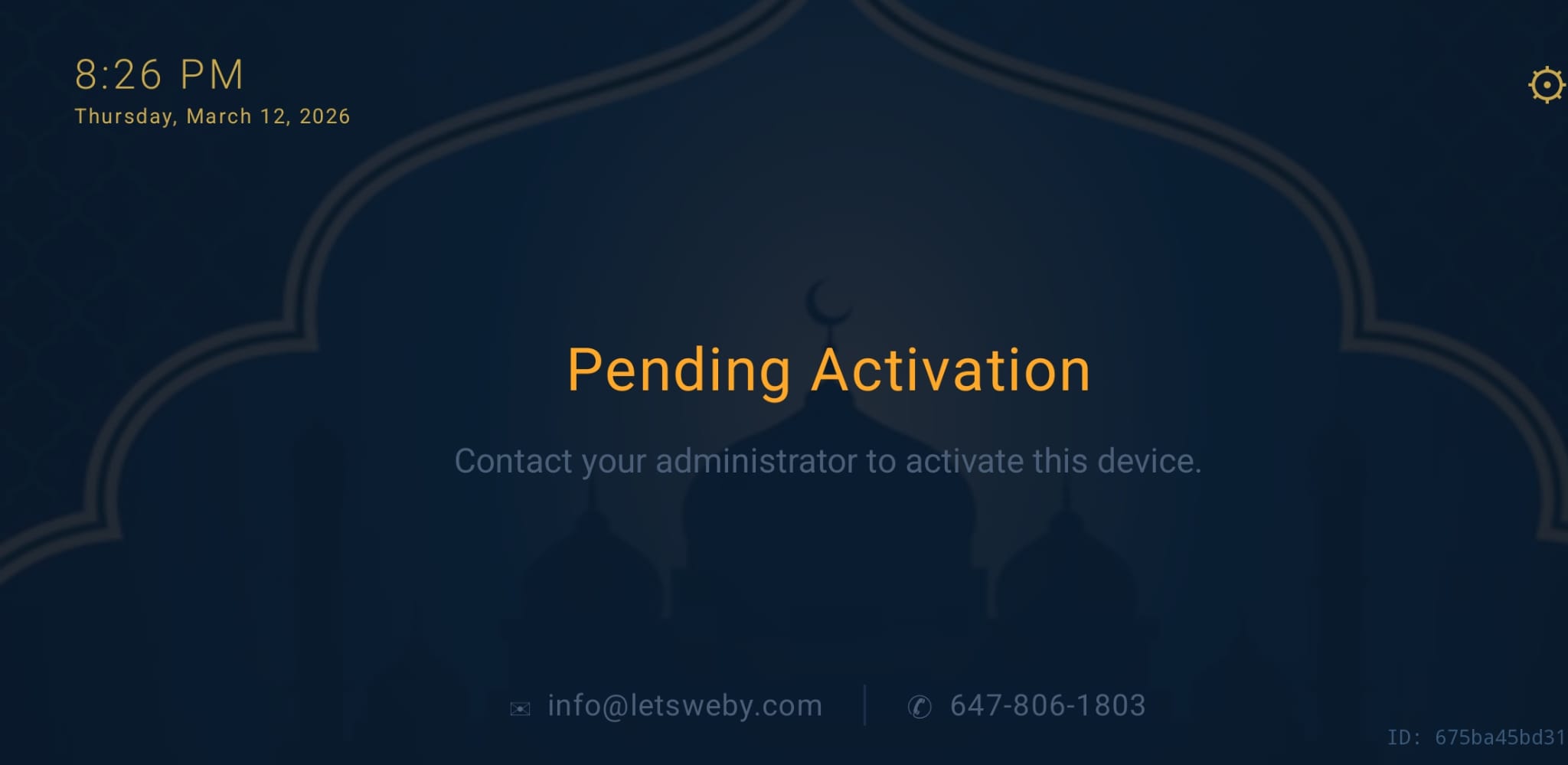
Pending Activation
What you see
A yellow "Pending Activation" title with the message "Contact your administrator to activate this device."
What it means
The device has been registered in our system but has not yet been approved/activated by an administrator. It is waiting for admin access to approve it.
What to do
Contact your masjid administrator or reach out to us at info@letsweby.com to activate your device. Once activated, the screen will automatically move on — no restart needed.
3
Connecting…
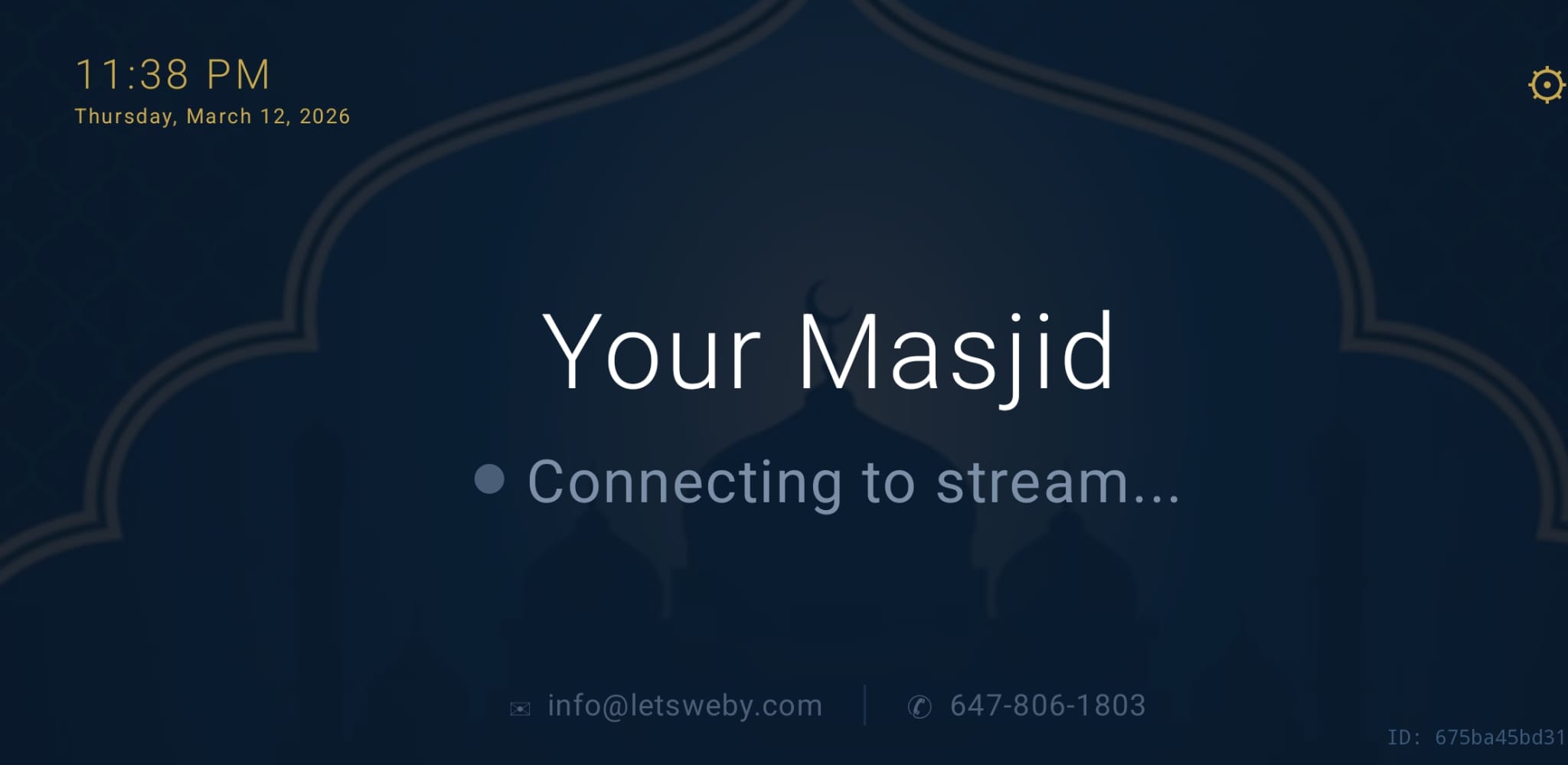
Connecting to Stream…
What you see
Your masjid's name with a grey dot and the text "Connecting to stream…"
What it means
The device is fully activated and is checking whether your masjid is currently broadcasting a live audio stream. The masjid name shown will be your local masjid's actual name.
What to do
Nothing — this is automatic. The app will check the stream status and update within a few seconds.
4
No Live Stream
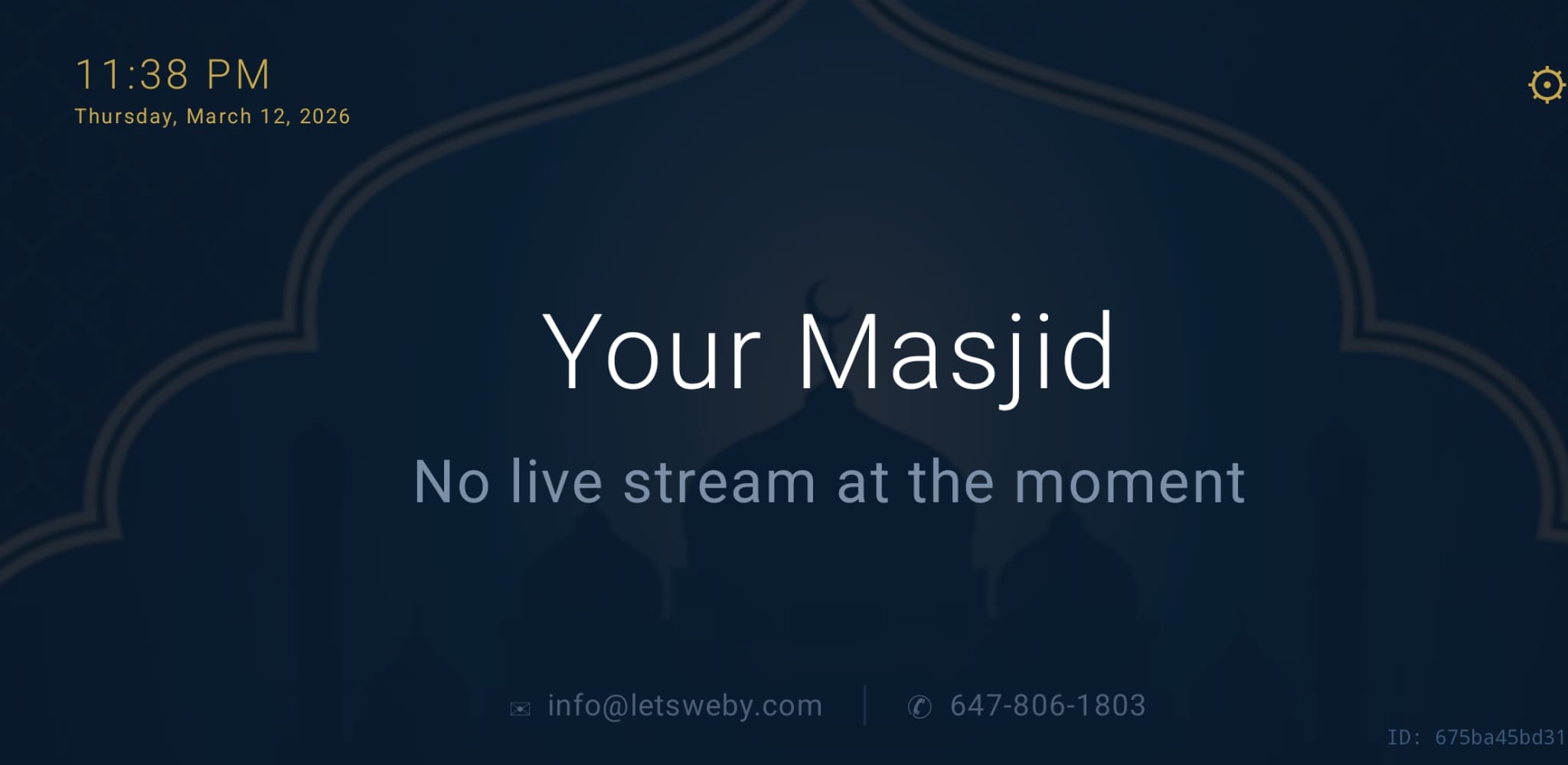
No Live Stream at the Moment
What you see
Your masjid's name with the text "No live stream at the moment."
What it means
The device is connected and working correctly. Your masjid is simply not broadcasting a live stream right now. The app continues to check in the background.
What to do
Nothing — as soon as your masjid begins broadcasting, the app will detect it automatically and switch to the Live screen.
5
Live
LIVE — Stream Active
What you see
Your masjid's name with a red pulsing dot and the bold text "LIVE."
What it means
Your masjid is actively broadcasting a live audio stream and the device is connected to it. Audio will be playing through the TV speakers.
What to do
Nothing — enjoy the live stream. When the broadcast ends, the screen will return to "No live stream at the moment" automatically.